If you want to use Rime and also keep a familiar simplified-pinyin habit, Clover Pinyin is one choice worth knowing. It was started by fkxxyz. The emphasis is on a full-pinyin dictionary, switching between traditional and simplified characters, and everyday symbol input. The publicly released version is comparatively old, so the pace of maintenance and the fit with a front end also have to be considered before choosing it. This article follows the repository documents. It was not tried on a machine.

Where it sits, and how maintenance stands
Clover Pinyin (rime-cloverpinyin) is an open-source simplified full-pinyin schema based on Rime. The author is fkxxyz. The aim is to lower the configuration threshold, so that someone used to Sogou Pinyin can start more easily. It supplies the schema and the dictionary. The actual input interface is presented by a Rime front end. Project README. LGPL-3.0 license.
The repository page shows about 2 thousand stars. The release list still marks 1.1.4 as the latest version. Material supplied by the author this time records that it was released on 2020-08-22 and that the repository’s most recent push was in July 2024. This round’s page showed only the month and day of the release. Reading the commit history failed, so the year and the most recent commit date cannot yet be checked independently. A push time is also not the same as a commit date. Maintenance has slowed. The historical wording “continuously updated” in the README should not be taken as a promise of an update today.
The dictionary and the input
According to the README, Clover uses pypinyin to generate readings of characters and words, merges character frequencies from jieba Chinese segmentation, Rime’s baguwen, and a pocket simplified-character pinyin source, and uses material such as a “3.6 million Chinese word list,” Tsinghua THUOCL, and Sogou cell dictionaries. That is the project’s account of where the dictionary comes from. It does not mean an installation contains a complete 3.6 million words, and it is not an independent check of corpus quality by this article.
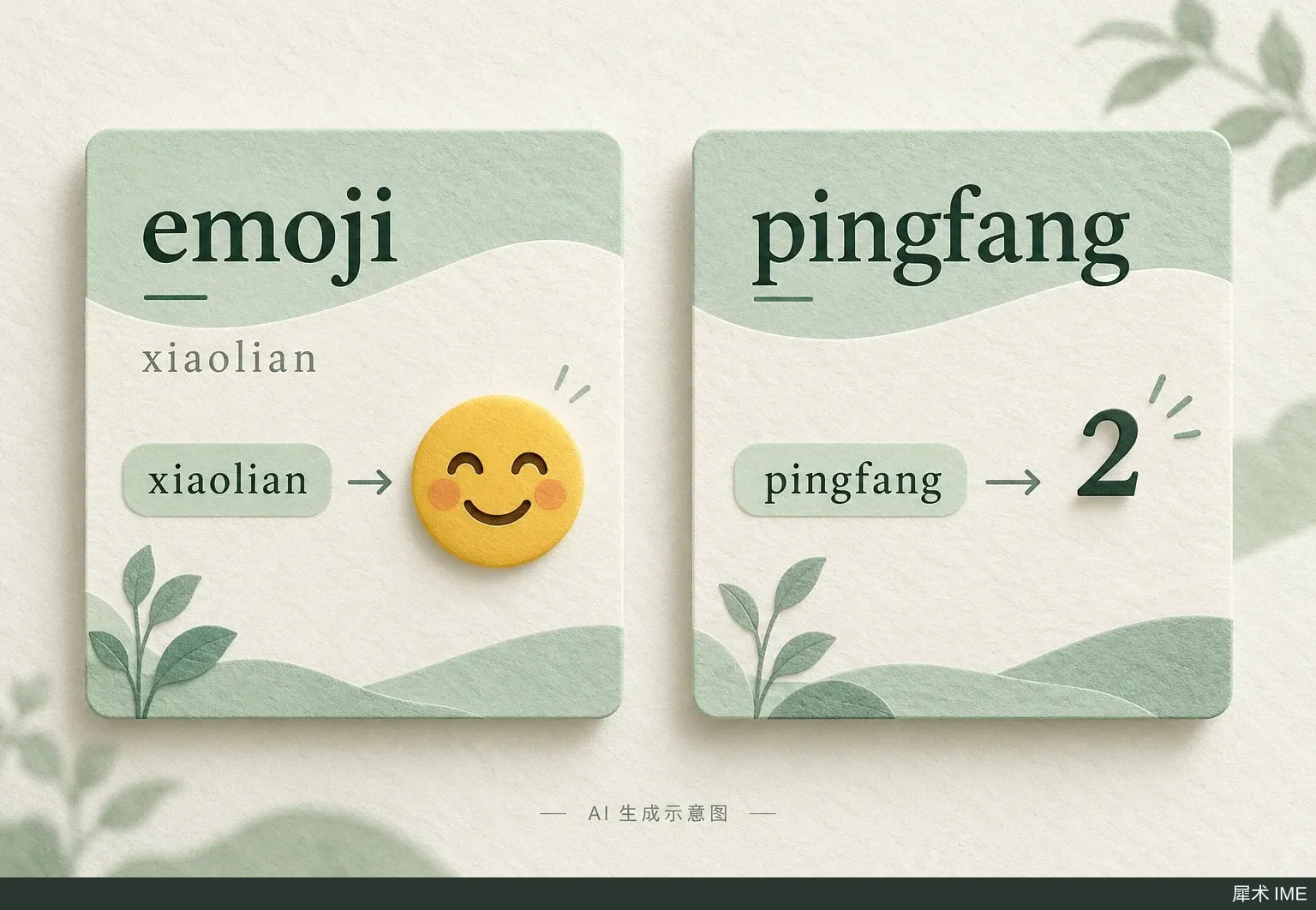
The functions include switching traditional and simplified characters on a simplified dictionary, emoji candidates, and entering special symbols with pinyin, for example typing pingfang to get ². Keys and shortcuts are also adjusted to input habits the author knows. The README places it as a full-pinyin schema. It does not list a double-pinyin layout or an auxiliary-code ability that can be turned on directly. This article does not count those functions as confirmed support.
Choosing a front end, and installing
The repository Wiki explicitly gives installation notes for Weasel on Windows, and for ibus-rime, fcitx-rime, and fcitx5-rime on Linux. The installation documents read this time do not give a dedicated adaptation note for Squirrel on macOS, Trime on Android, or Hamster on iOS. Belonging to the Rime ecosystem is not enough to claim that compatibility has been verified. Windows document. Linux document.
According to the project documents, install by hand from a release package:
- First install and turn on the corresponding Rime front end. The documents are from an earlier period. The front-end version and the way a distribution is installed should follow each project’s current official note.
- On the release download page, choose the schema-configuration archive. Do not treat the repository source ZIP as an already built dictionary package. The README says the source repository mainly keeps build scripts.
- Unpack the configuration package into the Rime user-data folder. On Windows, “user folder” can be opened from the Weasel tray menu. The default paths given in the Linux document are
~/.config/ibus/rime,~/.config/fcitx/rime, and~/.local/share/fcitx5/rime. - On Windows, tick “Clover simplified pinyin” in the input-method settings, and deploy after the settings are finished. On Linux, add
schema: clovertopatch.schema_listindefault.custom.yaml, then run “deploy again” and switch schema. An existing custom configuration should be merged. Back it up first. Do not overwrite it directly.
This article uses the manual flow written in the Wiki. An install command for East Wind Breaks, plum, was not confirmed in the documents that were read. The attachment list could not be loaded this round. The exact file name and the contents of the package still have to be checked at download.
Notes and the check record:
- GitHub repository and README: position, author, functions, and dictionary sources.
- Releases and the 1.1.4 download entrance: the list confirms the latest version. Reading the single-version page and the attachments failed.
- LICENSE text: LGPL-3.0.
- Windows installation notes and Linux installation notes: the front end and the manual deploy flow.
- Commit-history entrance: reading failed this round. The most recent commit date is still to be checked.
Date of the check: 2026-10-18. Arranged from the repository documents. Not tried on a machine.
References
-
Compiled and published by Scholay. For a takedown request, send feedback.
-
Also published at Enter Scholar.